

Free flashcards with spaced repetition combine easy card creation with a review schedule. Adobe Acrobat’s flashcard maker handles creation for free, with no sign-up or credit card required: upload class materials or enter a prompt, and it pulls out key terms, definitions, and formulas. For scheduled reviews, pair it with a spaced repetition app.
Students in courses with heavy memorization, such as anatomy, law, or languages, need two things from a flashcard tool: a fast way to make cards from their materials and a schedule that brings each card back before it is forgotten. Few free tools do both equally well, so the sections below separate the two jobs, compare what each plan costs, and note limits where tools publish them. Check each plan again before you rely on it. Details come from each tool’s own pages where possible and from comparison sites where noted. Prices are in US dollars.
Pricing for Free Flashcards: What Do the Free Plans Cost and Limit?
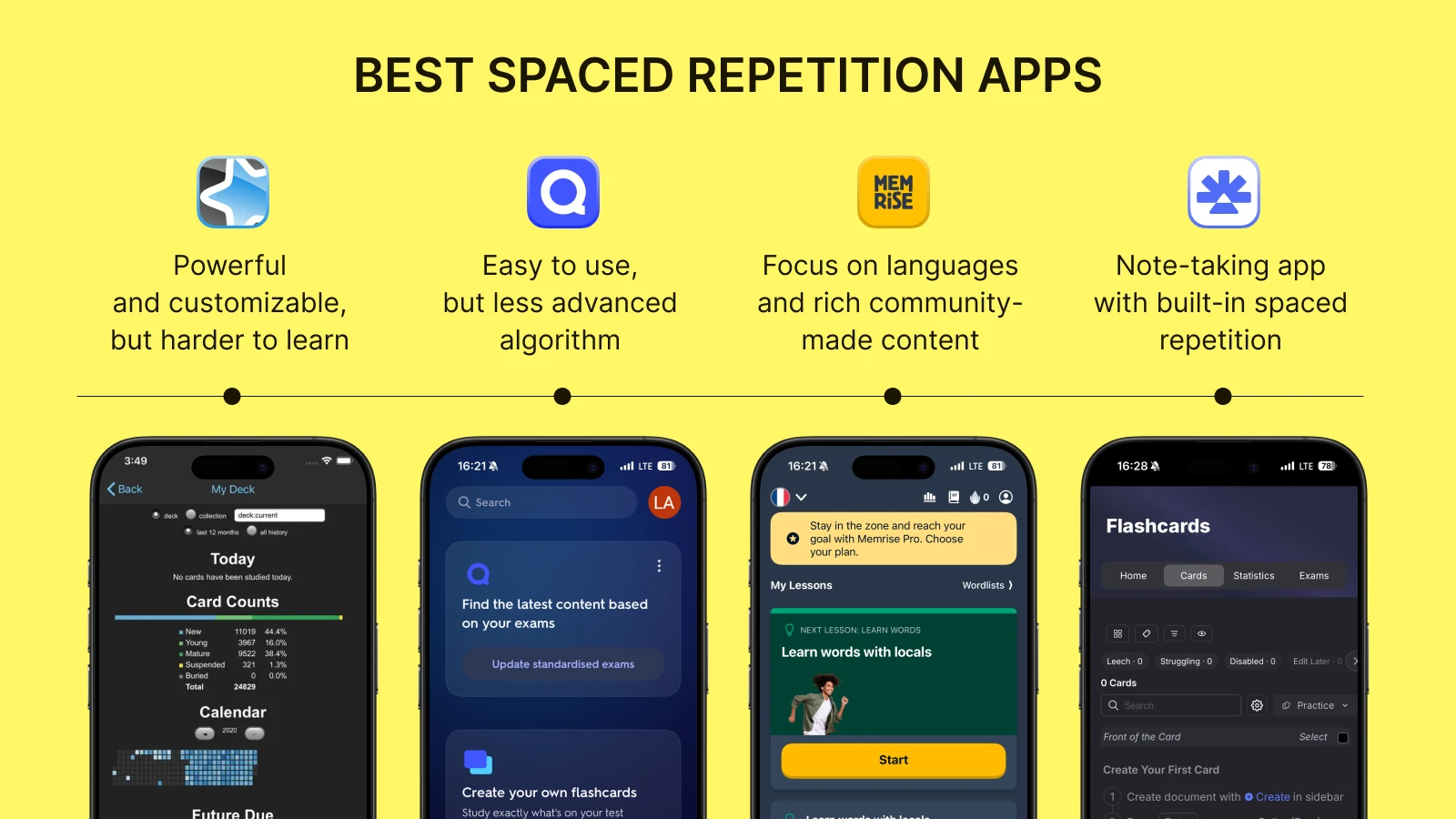
Anki is free on Windows, macOS, and Linux, and AnkiDroid is free on Android, while AnkiMobile for iPhone and iPad is a one-time $24.99 purchase, according to comparison sites. Anki lets you choose the FSRS or SM-2 scheduler. RemNote has a free plan, and its Pro plan is listed at $8 per month billed yearly. RemNote’s free plan limits PDF annotation and AI credits, according to a comparison site. Brainscape has a free basic plan, with Pro listed at $7.99 per month on a yearly plan and a confidence rating from 1 to 5 on each card. Adobe Acrobat’s flashcard maker is free to start, and its page says files must be 100MB or smaller and 600 pages or fewer, with prompts up to 1,000 characters. The table lines these up. Confirm each price on the vendor’s page before you buy or rely on a free plan.
| Tool | Free plan | Paid step | Scheduling |
| Adobe Acrobat flashcard maker | Free to start; no sign-up or credit card required | None listed | No scheduler listed on the page |
| Anki | Free on desktop and Android | AnkiMobile on iOS, $24.99 one time | FSRS or SM-2 |
| RemNote | Free plan | Pro, $8 per month billed yearly | SM-2 and FSRS |
| Brainscape | Free basic plan | Pro, $7.99 per month on a yearly plan | Confidence-based repetition |
Flashcards Free for Students: Which Tools Fit Heavy Memorization Courses?
Pick by job. Adobe Acrobat’s flashcard maker builds decks from uploaded class materials, lets you add your own questions, and supports separate sets for each class, chapter, or unit. Its page says you can sign in with an Adobe ID to save and share decks, and that the AI can focus on pages or topics you name. Its FAQ tells students to double check the cards, since AI can be inaccurate. Use Anki or RemNote when you need the review schedule. Dunlosky and colleagues rated practice testing and distributed practice high utility, which is why scheduled recall beats rereading. Keep one deck per unit so reviews stay short. For a memorization course, make cards that ask one fact each, and write the answer in your own words when you can. Keep card text short enough to read in a few seconds. Share a deck with a study group so each person covers a chapter.
Frequently Asked Questions
What is spaced repetition?
Spaced repetition means reviewing a card several times with gaps between reviews instead of cramming. A meta-analysis of 29 studies by Latimier and colleagues found a strong benefit of spaced retrieval practice over massed retrieval practice, and no significant difference between expanding and uniform gaps. Dunlosky and colleagues also rated distributed practice high utility in their review of study techniques. In practice, consistent gaps work well, and an app can set them for you.
Can I make cards in one tool and review them in another?
Often, yes. Adobe Acrobat’s page lists sharing by link but no export, so treat its cards as a draft list. Gemini Notebook’s help page lists a CSV download for flashcards, and Anki imports CSV and text files. Test a few cards first to confirm the fields land in the right order. Keep a plain text copy of your terms as a backup, since export options differ by tool. Check your school’s policy before uploading course materials to any tool.
How many new cards should I add at a time?
Add only as many as your daily reviews allow. A large new batch creates a pile of reviews a few days later, which can make students quit. Start with one chapter, review it for a week, and add the next chapter when the reviews feel manageable. Skip new cards on days when reviews pile up, and delete cards that you never miss and no longer need. Review at the same time each day so the habit sticks.
