

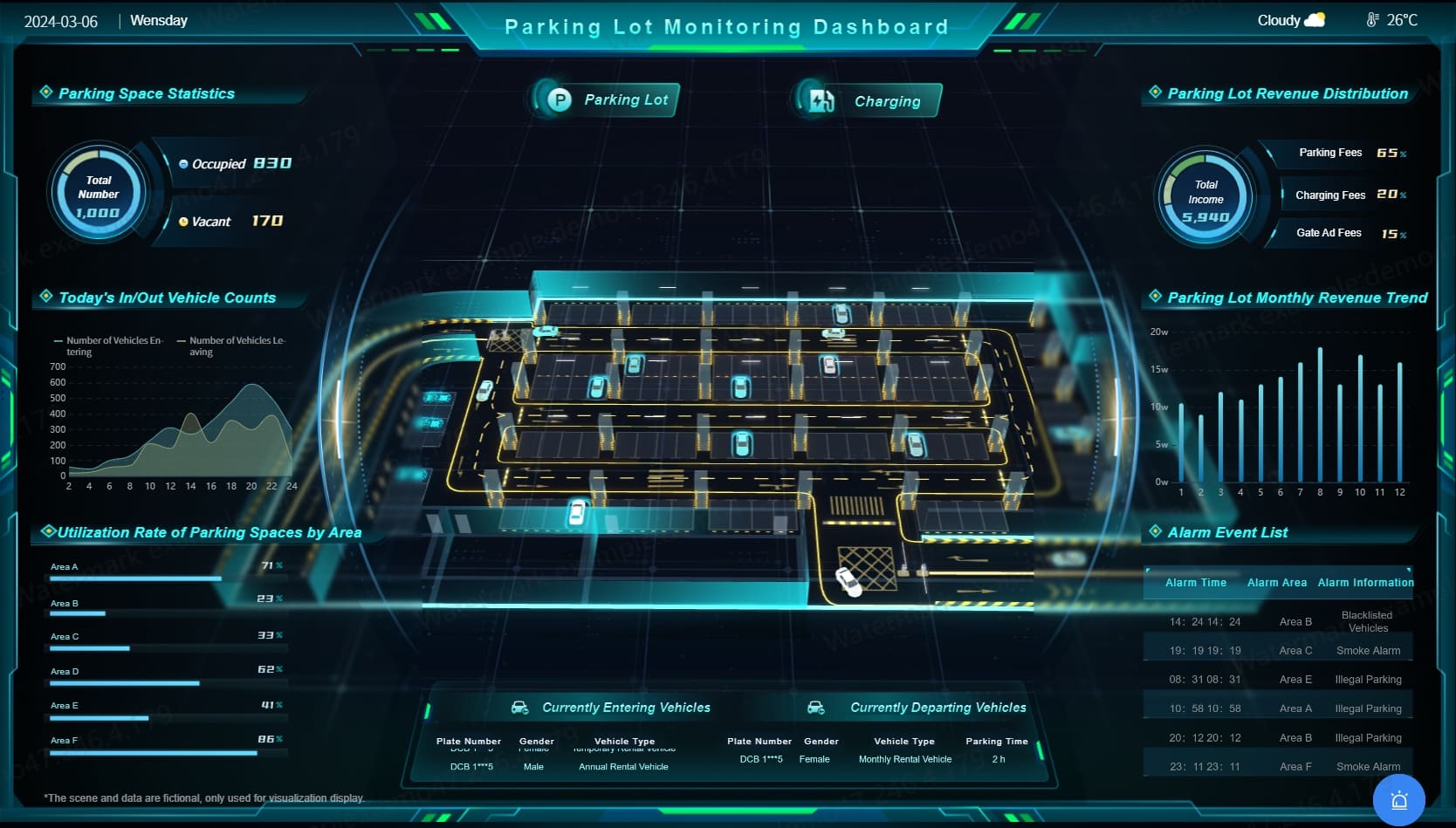
In the construction industry, regulatory compliance isn’t just a legal requirement — it’s a foundation for safety, quality, and operational excellence. With growing project complexity, tight regulations, and multiple stakeholders, manually tracking compliance is no longer effective. Centralized dashboard solutions for compliance in the construction industry have emerged as powerful tools that bring real‑time insight, accuracy, and efficiency to monitoring safety, quality, financial, and regulatory compliance across projects.
What Is a Centralized Dashboard Solution?
A centralized dashboard solution is a software platform that collects, consolidates, and visualizes data from multiple sources in one place. Instead of using scattered spreadsheets, email chains, paper checklists, or separate apps for safety, permits, finance, and quality control, a centralized dashboard gives teams a single view of compliance status, alerts, trends, and performance indicators.
For construction companies, these dashboards connect project management systems, safety logs, HR tools, financial software, inspection records, and document storage so compliance data can be reviewed instantly and acted upon promptly.
Why Compliance Matters in Construction
Compliance in construction covers many areas: building codes, environmental regulations, worker safety standards, labor laws, financial reporting, contract requirements, and quality benchmarks. Failure to meet these standards can result in:
- Fines or legal penalties
- Project delays or shutdowns
- Safety incidents or injuries
- Contract disputes
- Damage to reputation
Because construction involves complex activities — from excavation and concrete pouring to electrical installation and finishing — tracking compliance manually is both inefficient and risky.
How Centralized Dashboard Solutions Help
Real‑Time Visibility
Centralized dashboards show up‑to‑date compliance information in one place. Instead of waiting for weekly reports or chasing status updates, project managers can open a dashboard and instantly see the compliance performance of every site, team, or task.
For example, if a subcontractor’s safety certifications are about to expire, the dashboard can immediately flag this and alert relevant personnel before it becomes a violation.
Unified Compliance Tracking
Dashboards bring together data from multiple departments and systems. Safety, permits, workforce certifications, financial compliance, inspection results, and change orders are all visible in a unified interface. This helps prevent blind spots and ensures that no compliance requirement slips through the cracks.
Automated Alerts and Notifications
Administrators can set rules in dashboard systems so key events trigger alerts — such as:
- Overdue safety inspections
- Expired or missing training certifications
- Budget overruns in compliance categories
- Environmental thresholds reached
- Permits nearing expiration
Automated alerts help teams be proactive instead of reactive, saving time and reducing costly compliance failures.
Better Reporting and Documentation
Dashboards generate professional, organized reports that can be exported for audits, client reviews, regulatory filings, or executive summaries. Rather than pulling data manually from multiple systems, teams can generate detailed compliance documentation with one click, saving hours of work and increasing accuracy.
Enhanced Accountability and Collaboration
Dashboards make it clear who is responsible for what. Tasks and alerts can be assigned to individuals or teams, and managers can monitor progress in real time. This improves accountability and helps foster a culture of compliance where responsibilities are shared and tracked rather than assumed.
Key Features of Construction Compliance Dashboards
Integration With Core Systems
A robust dashboard connects with:
- Project management software
- Safety and incident reporting tools
- HR and training systems
- Financial / accounting systems
- Document repositories
- Mobile data collection tools
These integrations ensure that compliance data flows automatically into the dashboard, reducing manual entry and errors.
Custom Compliance Metrics
Compliance isn’t one‑size‑fits‑all. Dashboards can be customized to show key performance indicators (KPIs) that matter most to an organization — whether it’s safety checks per week, permit statuses, audit failures, or budget thresholds.
Visual Analytics
Visual charts, heatmaps, graphs, and trend lines make complex data easier to understand at a glance. Managers can see where issues are clustered, identify patterns, and prioritize actions more effectively.
Role‑Based Access
Different stakeholders need different levels of access. Safety officers may need detail on injury reports, while executives might need high‑level compliance summaries. Role‑based access ensures users see information relevant to their role while protecting sensitive data.
Mobile Access
Construction teams are often on site, not in offices. Mobile dashboard access lets supervisors report compliance checks, upload photos, record inspections, and update statuses from the field, ensuring data reflects what’s happening in real time.
Benefits of a Centralized Compliance Dashboard
Increased Efficiency
A centralized system eliminates the need to manually gather data from disparate sources, reducing administrative work and allowing teams to focus on action rather than data entry.
Reduced Risk
By spotting compliance gaps early, dashboards help prevent fines, safety violations, and costly delays. Early alerts enable corrective action before issues escalate.
Better Decision‑Making
Dashboards provide accurate, real‑time data that helps managers make informed choices instead of relying on outdated reports or guesswork.
Cost Savings
Time saved on data collection, report generation, and manual tracking can translate to significant labor cost reductions. Visual risk indicators also help avoid expensive compliance failures.
Improved Collaboration
Shared views and real‑time updates keep teams aligned. Everyone works from the same data, reducing misunderstandings and ensuring smoother coordination across departments.
Real‑World Use Cases
Safety Compliance Tracking
A general contractor uses a centralized dashboard to monitor OSHA compliance across multiple sites. Weekly safety inspections are logged in real time via mobile devices, and alerts notify supervisors when corrective actions are overdue.
Regulatory Permits and Certifications
A commercial developer integrates a dashboard with permit tracking, environmental compliance data, and contractor certification records. Before inspections or audits, the dashboard provides a clear snapshot of all required documents and their status.
Financial Compliance
A large construction company integrates its accounting system with a compliance dashboard to track contract billing, retainage, and budget compliance. Real‑time financial alerts ensure that billing errors do not lead to compliance violations or cash flow problems.
Quality Control
For long‑term infrastructure projects, dashboards help track inspection records, material quality reports, and non‑conformance logs. Managers quickly identify recurring quality issues at specific sites or with specific subcontractors.
Challenges and Considerations
Data Integration
Pulling data from legacy systems, disparate tools, or offline records can be technically complex. Successful implementation often requires IT expertise or vendor support.
Data Quality
Dashboards are only as useful as the data feeding them. Ensuring accurate, timely inputs is essential to avoid misleading results.
User Adoption
Teams that rely on spreadsheets or manual tracking may resist new technologies. Clear training and leadership support help drive adoption.
Customization
Dashboards must be customizable enough to reflect the unique compliance requirements of different project types, regions, and regulatory environments.
Despite these challenges, careful planning and phased implementation help ensure success and long‑term value.
Frequently Asked Questions (FAQs)
What purpose does a centralized dashboard serve in construction compliance?
A centralized dashboard consolidates compliance data from multiple systems, giving teams real‑time visibility, automated alerts, and better decision‑making capabilities.
Can dashboards replace manual reporting?
Dashboards significantly reduce manual effort but still require human judgment for interpretation and decision‑making.
Do dashboards support field updates?
Yes. Most modern dashboard systems include mobile access so field teams can update compliance data on site.
Are dashboards only for safety compliance?
No — dashboards can track safety, financial compliance, permits, quality control, labor certifications, environmental compliance, and more.
Are centralized dashboards suitable for small construction firms?
Yes. Scalable solutions mean even small to midsize firms can benefit from real‑time compliance tracking.
Conclusion
Centralized dashboard solutions are transforming how the construction industry manages compliance. By consolidating data from project management tools, safety systems, financial platforms, and inspection tools, dashboards provide teams with a unified view of what’s happening across projects — in real time.
With automated alerts, visual analytics, role‑based access, and mobile updates, centralized dashboards help reduce risk, improve collaboration, save time, and ensure projects stay compliant with safety regulations, building codes, and contractual requirements. In an industry where every delay or violation risks dollars and safety, adopting a centralized dashboard for compliance isn’t just a convenience — it’s a competitive advantage.