

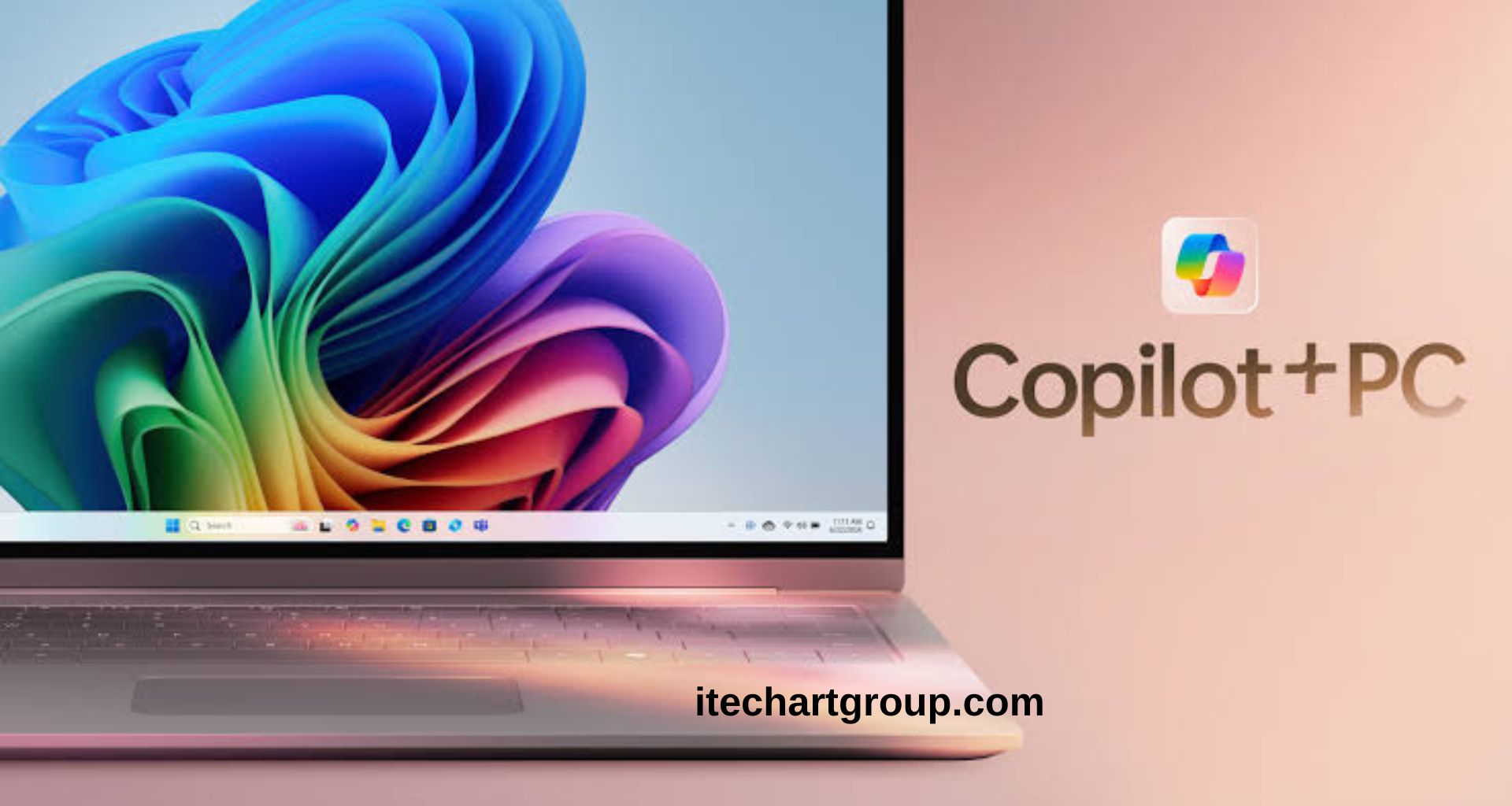
Microsoft Copilot is becoming a more important part of the Windows experience. What started as an AI assistant has gradually moved closer to the center of everyday PC activities, giving users new ways to search, create, organize, troubleshoot, and interact with their computers. The growing role of Microsoft Copilot reflects a larger shift in personal computing. Traditional software has usually required users to find the right menu, setting, application, or command. AI assistants aim to make those tasks easier through natural-language requests.
For Windows users, this could mean fewer complicated steps and more personalized assistance. At the same time, the deeper integration of AI raises questions about privacy, hardware requirements, accuracy, and how much control users should have over automated features.
Read More: Google Gemini Gets a Major Upgrade: The New AI Features Users Need to Know
Microsoft Copilot and the Changing Windows Experience
Microsoft Copilot is designed to provide AI-powered assistance across Microsoft’s ecosystem. Within Windows, its role has expanded beyond simple question answering. Users can interact with Copilot for information, writing assistance, productivity tasks, and other supported activities.
The broader goal is straightforward: make the PC more useful through conversational AI.
Instead of searching through multiple settings pages, users increasingly expect to describe what they want in ordinary language. AI can then help identify the appropriate feature or provide instructions.
This approach could make Windows easier for beginners while also saving time for experienced users.
The change is especially important because Windows remains one of the world’s most widely used desktop operating systems. Even small changes to its interface or core features can affect millions of people.
AI Is Moving Closer to Everyday PC Tasks
One of the biggest changes is the movement of AI from a separate application into everyday computing workflows.
People use PCs for communication, education, office work, entertainment, research, design, programming, and content creation. Copilot can potentially support many of these activities without requiring users to switch constantly between different services.
For example, a user working on a document might need help improving wording. Another person could need assistance understanding information on their screen. A student might use AI to explain a difficult concept, while a professional could use it to summarize information or organize ideas.
This creates a more conversational style of computing.
Instead of thinking about which software feature to open, users can focus on describing the result they want.
Copilot Could Simplify Windows Settings
Windows contains a large number of settings and configuration options. Although this flexibility is useful, finding a specific setting can sometimes be confusing.
AI assistance could reduce that complexity.
A user might describe a problem such as difficulty connecting a device, changing a system preference, or understanding a notification. Rather than manually searching through menus, Copilot could provide relevant guidance.
This does not necessarily mean AI will replace traditional Windows settings. Instead, Copilot can act as an additional layer between the user and the operating system.
For less experienced PC users, this could become one of the most valuable benefits of deeper Copilot integration.
Copilot and Productivity
Productivity is another major area where Microsoft Copilot could have a growing impact.
Modern PC users often spend considerable time writing emails, creating documents, preparing presentations, researching topics, and organizing information. AI can help reduce repetitive work.
Copilot can assist with tasks such as generating drafts, rewriting text, summarizing information, brainstorming ideas, and explaining complex subjects.
The important change is not simply that AI can perform these tasks. Similar tools already exist across many platforms. The bigger development is bringing AI assistance closer to the Windows environment.
A more integrated assistant could potentially connect different parts of the PC experience, depending on the user’s permissions and the specific features Microsoft makes available.
Copilot+ PCs Bring Hardware Into the Picture
The rise of Copilot has also influenced PC hardware.
Microsoft introduced the Copilot+ PC category around computers designed with dedicated neural processing capabilities for AI workloads. These systems use specialized hardware to handle certain AI functions more efficiently.
This development creates an important distinction between ordinary Windows PCs and newer AI-focused machines.
Traditional computers can still use many cloud-based AI services. However, certain advanced features may depend on specific hardware capabilities.
Dedicated AI processing can help perform supported tasks locally, potentially improving responsiveness while reducing the need to send every operation to a remote server.
For consumers, this means AI is no longer only a software story. Processor design, memory, storage, and dedicated neural processing capabilities are becoming increasingly relevant to the Windows experience.
Local AI Could Become More Important
One of the most interesting developments in Windows computing is the growing use of on-device AI.
Cloud AI requires information to travel between a user’s device and remote data centers. Local AI, by contrast, allows certain workloads to run directly on the computer.
This can provide advantages in speed, connectivity, and potentially privacy, depending on how a feature is implemented.
Local processing can also allow AI features to work in situations where internet connectivity is limited.
However, on-device AI requires capable hardware. More powerful AI processing can increase the importance of newer processors and neural processing units.
This could gradually influence how consumers choose their next Windows PC.
What This Means for Older PCs
Not every Windows computer will receive exactly the same AI capabilities.
Older machines can continue running Windows and using many existing applications, but newer AI features may require specific hardware or software support.
This could create a gradual divide between conventional Windows PCs and AI-ready machines.
For users who recently purchased a computer, this may not be a major concern. People using older hardware, however, may eventually notice that some AI features are unavailable or provide a different experience.
The situation is similar to previous technology transitions where new software features increasingly benefited from newer processors, graphics hardware, or faster storage.
Copilot and the Future of Search
Search is another area where AI could change how people use Windows.
Traditional search generally depends on keywords. Users type specific terms and receive links, files, applications, or other results.
AI-powered search can interpret natural-language requests and attempt to understand the user’s intent.
Instead of searching for a specific file name, a user might describe the contents or purpose of the file. Instead of entering a short technical query, the user can explain a problem in conversational language.
This could make PC search more intuitive.
However, AI search must remain accurate. Incorrect results can be frustrating, especially when users depend on search to locate important files or troubleshoot system problems.
Privacy Remains an Important Question
Greater AI integration also makes privacy more important.
Users naturally want to understand what information an AI assistant can access, where that information is processed, and how it is stored.
Windows computers can contain personal documents, photos, messages, passwords, financial information, schoolwork, and professional files. Any feature that interacts with computer content therefore needs strong privacy controls.
Microsoft has emphasized privacy and security considerations around its AI features, but users should still review available settings and understand what individual features do.
The best AI experience is not simply powerful. It also needs to give users meaningful control.
Security Could Improve With AI
AI can also play a positive role in PC security.
Modern computers face phishing attempts, malicious software, suspicious websites, compromised accounts, and other digital threats. AI can help identify unusual patterns and provide users with clearer explanations.
For example, an AI assistant could potentially explain why a security warning appears or help a user understand a suspicious message.
However, AI itself must be protected from misuse. Attackers can attempt to manipulate AI systems, exploit software vulnerabilities, or use AI-generated content in scams.
Microsoft therefore faces the challenge of making Copilot useful without creating new security weaknesses.
Copilot for Work and Education
Windows PCs are widely used in offices and schools, making AI assistance particularly relevant in these environments.
For professionals, Copilot can support writing, research, meetings, planning, and information management.
For students, AI can provide explanations, examples, brainstorming support, and learning assistance.
However, education requires careful use of AI. Students should understand concepts rather than simply depend on AI-generated answers.
Similarly, professionals should verify important information before using AI-generated content in business decisions.
Copilot works best as an assistant rather than an unquestioned replacement for human judgment.
A More Personalized PC Experience
Another long-term possibility is greater personalization.
Traditional software generally behaves according to fixed settings. AI systems can potentially adapt to the user’s language, habits, preferences, and context.
A future Windows experience could make recommendations based on what a person is trying to accomplish.
For example, someone preparing a presentation might receive assistance organizing information, while someone troubleshooting a PC problem might receive step-by-step guidance.
Personalization could make Windows feel more responsive.
However, personalization also increases the importance of transparency. Users should know why recommendations appear and have the ability to control them.
Will Copilot Replace Traditional Apps?
It is unlikely that Copilot will simply replace all Windows applications.
Specialized software remains essential for professional design, video editing, programming, gaming, accounting, engineering, education, and many other fields.
Instead, AI is more likely to become a layer that works alongside existing applications.
This could change how users interact with software.
Rather than manually performing every small task, people may increasingly ask AI to assist with parts of their workflow while continuing to use traditional applications for specialized work.
What PC Buyers Should Consider
People purchasing a Windows PC in the coming years may need to think about AI capabilities alongside traditional specifications.
Processor performance, RAM, storage, graphics capability, battery life, display quality, and connectivity remain important.
AI hardware is becoming another consideration.
Users interested in advanced AI features should check whether a computer supports the required Copilot+ or other AI-related capabilities rather than assuming every Windows PC provides identical functionality.
The best choice depends on the user’s needs. Someone who mainly browses the web and writes documents may not need the same hardware as someone working with advanced AI applications or creative workloads.
The Bigger Picture for Windows Users
Microsoft’s expanding Copilot strategy represents a larger transformation in personal computing.
For decades, using a computer meant learning menus, commands, applications, and interfaces. AI introduces another possibility: communicating with the computer through natural language.
That does not eliminate traditional interfaces. Instead, it adds another way to interact with technology.
If Microsoft successfully integrates Copilot into Windows without making the experience complicated, intrusive, or unreliable, AI could become a normal part of everyday PC use.
The transition will not happen overnight. Hardware limitations, privacy concerns, software compatibility, and user trust will all influence adoption.
Still, the direction is clear. Windows is becoming more AI-focused, and Copilot is positioned to play a major role in that transformation.
Frequently Asked Questions
What is Microsoft Copilot in Windows?
Microsoft Copilot is an AI-powered assistant integrated into Microsoft’s ecosystem. It can help users with questions, writing, productivity, information, and supported Windows-related tasks.
Does every Windows PC have the same Copilot features?
No. Available Copilot features can vary depending on Windows version, region, account, software updates, and computer hardware.
What are Copilot+ PCs?
Copilot+ PCs are Windows computers designed with hardware capabilities for advanced AI experiences, including dedicated neural processing capabilities.
Can Copilot work on older Windows computers?
Many Copilot experiences can be available on compatible Windows PCs, but certain advanced AI features require newer hardware.
Will Copilot replace Windows applications?
Copilot is more likely to work alongside traditional applications than completely replace them. Specialized software will continue to be important for many professional tasks.
Is Windows becoming more dependent on AI?
AI is becoming a more significant part of Microsoft’s Windows strategy. Copilot and AI-enabled hardware demonstrate this broader shift toward intelligent computing.
Can Copilot improve PC productivity?
Yes. Depending on the available features, Copilot can assist with writing, summarizing, brainstorming, research, organization, and other productivity tasks.
Why is AI hardware important for Windows?
Dedicated AI hardware can process certain workloads more efficiently on the device, supporting faster and potentially more private AI experiences.
Should users buy a Copilot+ PC?
It depends on individual needs. Users interested in advanced AI features may benefit from newer AI-capable hardware, while basic PC users may not need every AI-focused feature.
What is the future of Copilot in Windows?
Copilot is likely to become increasingly integrated with Windows, productivity software, search, device features, and AI-enabled hardware as Microsoft expands its AI strategy.
Conclusion
Microsoft Copilot is moving toward a bigger role in the Windows ecosystem, changing how users may search, troubleshoot, create content, manage information, and interact with their PCs. The biggest shift is not simply the addition of another AI chatbot. It is the idea of making AI assistance part of the operating system itself. New Copilot capabilities, AI-focused hardware, local processing, smarter search, and productivity features could make Windows more intuitive and capable.
