

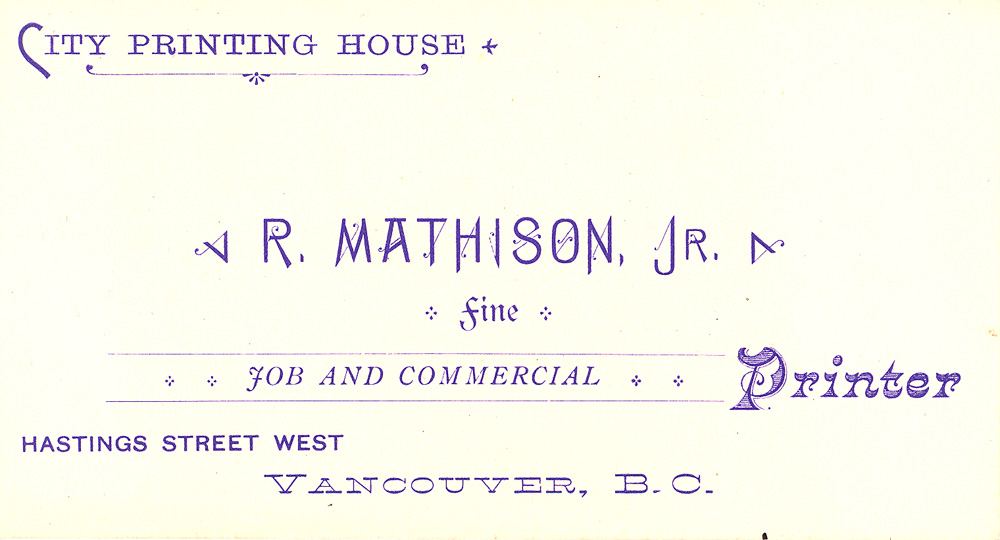
A business card may be one of the smallest items a company produces, but it has to do several jobs at once. It identifies the business, makes contact details easy to keep and gives a potential client a quick impression of how the organisation works. A card that looks polished on screen can still arrive from the printer with clipped text, awkward spacing or colours that do not match the design. Most of those problems can be avoided by treating the card as a print project from the beginning, rather than simply exporting an image at the end.
Start With the Actual Use
Before opening a design tool, decide what the card needs to accomplish. A consultant may want a name, role, email and phone number. A local shop may prioritise its address, opening hours or a scannable route to an online menu. A technology firm might use the reverse side for a QR code leading to a product demo or support page.
That choice affects both layout and material. A card intended for networking should make the person’s name and a reliable contact method immediately legible. A card handed out at an event may benefit from a short prompt that gives the recipient a reason to visit a website later. Adding every social account, service and slogan usually weakens the result: the reader has to work harder to find the information that matters.
Choose Dimensions Before Designing
There is no single business card size used everywhere. Common formats vary by country, and a card designed to fit one market’s wallets may feel unfamiliar in another. Printers can also offer square, slim or other custom formats, but those choices may affect production cost and how easily a recipient can store the card.
This is where the distinction between a printer template vs standard size matters. A standard size describes the finished card; the printer’s template specifies how the artwork must be prepared for that particular production process. Osdire’s business card size guide sets out international dimensions alongside practical details such as bleed, safe areas and print setup. Confirm the final dimensions with the chosen printer before laying out the artwork, especially if the cards will be produced in more than one country.
A template commonly includes extra artwork beyond the trim line, known as bleed. That extra area allows for small shifts when printed sheets are cut, preventing a thin white edge from appearing around a design that should run to the edge. Important text and logos belong inside the safe area, set back from the trim. The printer’s file instructions should take precedence over generic measurements because equipment and finishing methods differ.
Design for Legibility, Not Just Appearance
Small formats make hierarchy essential. Give the name and business identity enough prominence, then arrange contact details in a clear order. Use typefaces that remain readable at print size, and test the design at its actual dimensions rather than judging it only while zoomed in on a monitor. Fine lettering, low-contrast colours and thin lines can look crisp on a bright display but disappear on paper.
Colour choices deserve a physical check as well. Screens create colour with light, while print uses ink or toner on a particular stock. The result may vary with the printing process, paper finish and colour profile. If exact brand colour is important, ask the printer about proofs or a test run. A proof also gives an opportunity to catch a misspelled email address or phone number before ordering a large quantity.
QR codes can connect a compact card to richer information, but they should be tested on several phones and printed at a size that scans reliably. Keep a clear area around the code and use a destination that will remain useful over time. A QR code pointing to a temporary campaign page can turn a still-readable card into a dead end once the campaign ends.
Prepare a File the Printer Can Use
Export in the format and colour settings requested by the printer, often a print-ready PDF. Check that fonts are embedded or converted as instructed, images have sufficient resolution and the page includes the required bleed. Avoid relying on a screenshot or a low-resolution image copied from a website. Those shortcuts can produce blurry logos and uneven edges even when the design itself is sound.
A short preflight checklist can prevent costly reprints:
- Confirm finished dimensions, orientation and paper stock.
- Extend background artwork through the specified bleed.
- Keep names, contact information and logos within the safe area.
- Proofread every detail and test any QR code or web address.
- Review a proof at actual size before approving the full order.
Keep the Brand Consistent Beyond the Card
Business cards work best as part of a consistent identity. Matching colours, typography and tone across a website, proposal and social profile makes a small business easier to recognise. That consistency does not require every item to look identical; it means the same basic choices are applied deliberately, with enough flexibility for each format.
Businesses that publish useful advice can extend that identity beyond printed materials, too. A clear article explaining a specialist service or answering a customer question can reach people who are not yet ready to make contact. Marketers exploring relevant publishers may find guest posting websites across different topics as one way to identify places for well-matched contributions. The same principle applies to a business card: relevance and clarity matter more than adding another channel for its own sake.
Good print preparation is ultimately a matter of checking the details that are easy to overlook. Decide who the card is for, confirm the dimensions with the printer, design around the safe area and review a proof before committing to a run. A few minutes spent on those steps can make a small piece of printed material feel considered—and make it far more likely that the recipient can use it.
